
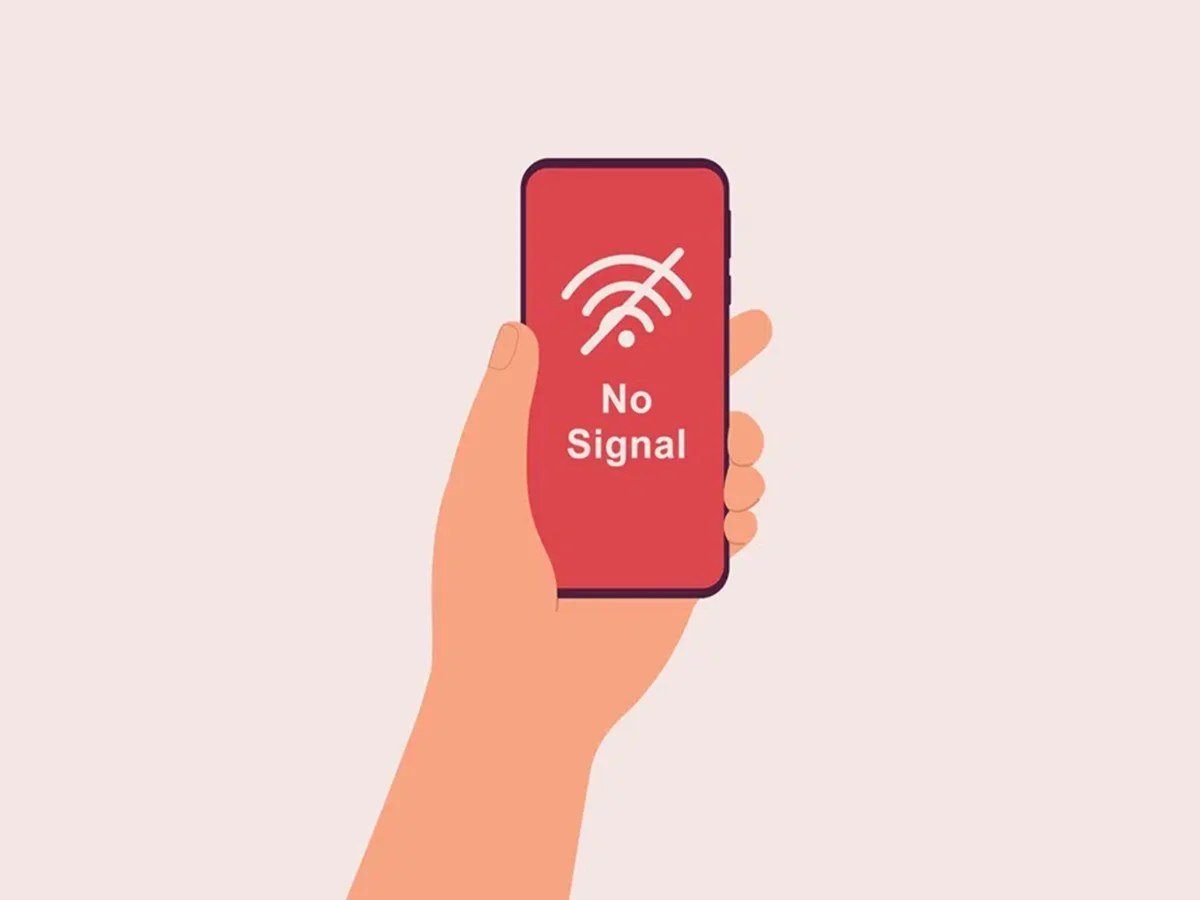
What does it mean when my phone says no service? In plain English, it means your phone can’t connect to your mobile network at all — no calls, no texts, no mobile data. It does not mean your phone is broken, and it usually doesn’t mean anything dramatic. Nine times out of ten it’s one of a handful of boring, fixable causes: you’re in a dead spot, your SIM has wobbled loose, or there’s a network outage. Here’s how to work out which one it is and get reconnected.
What does it mean when my phone says no service?
Your phone is constantly chatting with nearby masts owned by your network. “No Service” means that conversation has failed completely — your phone can’t find or authenticate with any mast from your provider. It’s different from “No SIM” (the phone can’t see your SIM card) and from having one bar of signal (connected, but weakly). It can also appear as “SOS only” on newer phones, which means you can still call emergency services via any available network, just not your own.
The causes fall into four buckets: location, SIM/account, phone settings, and network problems. Work through them in that order.
Bucket 1: It’s where you are
The simplest explanation is usually right. The UK still has plenty of not-spots — rural valleys, the London Underground (outside the newer connected sections), thick-walled old buildings, basements, and lifts. If “No Service” appears in one specific place and vanishes when you step outside, that’s your answer: geography, not a fault.
- Move and wait 30 seconds. Phones re-scan periodically; give it a moment after moving.
- Check a coverage map. Your network’s website has one — if you’re in a known weak area, consider Wi-Fi calling (see below).
- Ask someone on the same network. If their phone works and yours doesn’t, the problem is your phone or SIM, not the area.
Bucket 2: SIM card or account issues
If the signal was fine yesterday and suddenly isn’t, suspect the SIM or your account:
- Reseat the SIM. Power off, pop the SIM tray out, check the card isn’t dirty or damaged, and push it firmly back in. A surprising number of “No Service” mysteries end here — SIMs work microscopically loose over time, especially after a drop.
- Check your account. An unpaid bill, an expired pay-as-you-go top-up, or a plan change can suspend service. Log into your network’s app or website — or borrow someone’s phone to call them.
- Try the SIM in another phone. If it works there, your phone is the problem. If it doesn’t, the SIM (or account) is.
- Consider SIM age. Very old SIM cards can fail. Networks replace them free — and if you’re still on a physical SIM, it might be a good moment to switch to an eSIM, which can’t work loose at all.
Bucket 3: Phone settings gone wrong
Sometimes the phone is the problem — usually after an update, a trip abroad, or some enthusiastic settings-fiddling:
- Toggle aeroplane mode. On for 30 seconds, then off. This forces the phone to re-register with the network and fixes a remarkable number of issues.
- Check mobile data and network selection. Make sure mobile data is on and network selection is set to automatic (Settings > Mobile/Cellular > Network Selection).
- Reset network settings. This wipes saved Wi-Fi passwords and Bluetooth pairings too, so it’s a last resort — but it clears corrupted network configurations. iPhone: Settings > General > Transfer or Reset > Reset Network Settings. Android: Settings > System > Reset > Reset Wi-Fi, mobile & Bluetooth.
- Check for a carrier settings update (iPhone prompts automatically) and make sure your phone’s software is up to date.
Bucket 4: The network itself is down
Outages happen — masts fail, maintenance overruns, storms knock things out. Check your network’s service status page or their social media accounts; independent sites like Downdetector show whether other people are reporting problems in your area. If it’s an outage, there’s nothing to fix on your end — it usually resolves within hours. This is another good argument for enabling Wi-Fi calling, so outages don’t leave you completely cut off at home.
Wi-Fi calling: the “No Service” workaround worth setting up
If you get “No Service” at home or work regularly, turn on Wi-Fi calling (all major UK networks support it free). Your phone routes calls and texts over Wi-Fi instead of the mobile network, so a weak signal stops mattering indoors. It takes a minute to enable in settings, costs nothing extra, and honestly, everyone with patchy indoor signal should have it on. It’s also why “No Service” at home doesn’t have to ruin your day — with Wi-Fi calling active, you might not even notice.
When to suspect a hardware fault
If you’ve worked through everything — different locations, reseated SIM, another SIM tested, network settings reset, no outage — and the phone still shows “No Service” everywhere, the antenna or baseband hardware may have failed. This is uncommon but happens, especially after drops or water exposure. A repair shop can diagnose it; if the phone is under warranty or AppleCare, contact the manufacturer. Don’t buy a new phone on a hunch — get the diagnosis first.
“No Service” after travelling abroad
A special case worth mentioning: if “No Service” appears right after returning from abroad, your phone may be stuck trying to connect to the foreign network. Toggle aeroplane mode on and off, then go to Settings > Mobile/Cellular > Network Selection and switch it back to Automatic. Also check that data roaming is turned off again (to avoid accidental charges) and that your UK network’s settings haven’t been overridden. If you bought a local SIM abroad, make sure you’ve swapped back to your UK SIM — or re-enabled your UK eSIM line. This catches people out surprisingly often, and the fix takes thirty seconds once you know where to look.
The bottom line
What does it mean when my phone says no service? Your phone can’t reach your network — usually because of location, a loose SIM, an account issue, or a temporary outage. Work through the buckets in order: move, toggle aeroplane mode, reseat the SIM, check your account, then check for outages. Real hardware failure is rare. And set up Wi-Fi calling today, so the next dead spot barely registers.
Getting bombarded by nuisance calls instead? Read why you keep getting spam calls on your mobile and how to block unknown numbers on your phone. Ofcom’s coverage checker shows signal strength by postcode, and Wikipedia explains mobile signal in more depth.




Leave a Reply